

iPad · iPadOS

Custom iPad app icon design.

Most iPad apps are iPhone apps too, and some run on the Mac as well. Your icon has to hold up on every one of those screens. I design one that does.

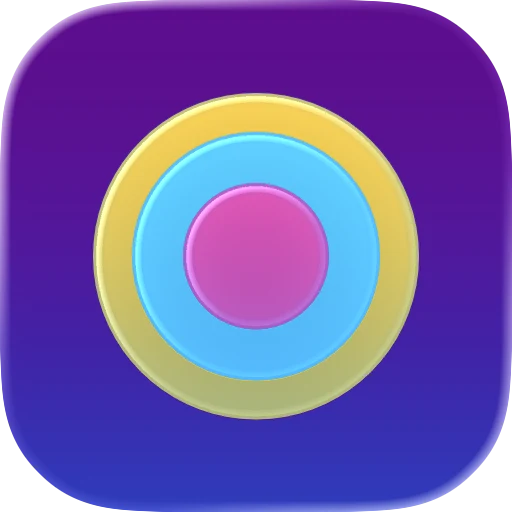
  • App icon of yellow, blue and pink rings on purple
  • App icon of an orange figure walking out of a dark doorway on pale blue
  • App icon of a cloud holding a checklist on slate blue
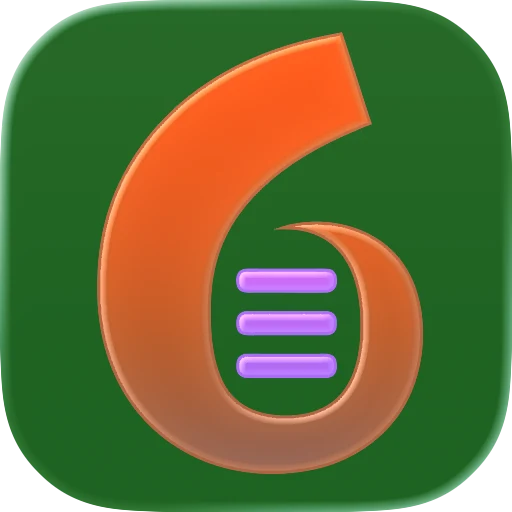
  • App icon of an orange number six with three lines on dark green
iPad and iPhone

One icon for a universal app.

iPad doesn't get its own icon design. In Icon Composer, the iOS design covers both iPhone and iPad, on the same 1024 × 1024 pixel canvas. So a universal app ships one icon, and that's the one I design and test.

Apple also asks for an icon that looks the same on every platform your app supports, so people never mistake it for two different apps. One design used everywhere does exactly that.

iPadOS details

What's different on iPad.

  • Rounded by the system

    Like iPhone, iPadOS takes square layers and applies the rounded mask itself, so highlights and edges stay crisp.

  • Alternate icons

    iPad apps can offer extra icons people pick in settings. Apple requires dark, clear and tinted versions of each one.

  • On the Mac too

    With Mac Catalyst your iPad app becomes a Mac app. Apple suggests a macOS version of the icon, and the same .icon file can hold it.

Where to next

Bringing it to more screens?

If the iPad version is moving to the Mac, read Mac app icons for the macOS shape rules. For the iPhone side, see iPhone app icons. Need the exact pixel sizes? They're all in app icon sizes.

Every look

Same four looks as iPhone.

iPadOS lets people switch their Home Screen icons to light, dark, clear or tinted. This is one of my icons in each, exported from Icon Composer.

  • Ringed target app icon in the light look Light
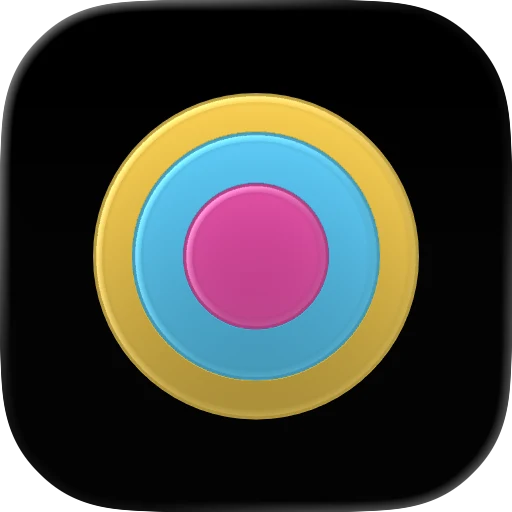
  • Ringed target app icon in the dark look Dark
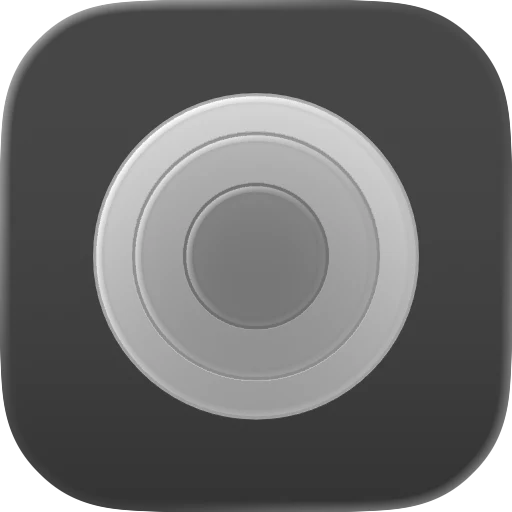
  • Ringed target app icon in the clear look Clear
  • Ringed target app icon in the tinted look Tinted
Pricing

Simple, fixed pricing.

Two packages — both fully booked right now. The waitlist gets first access.

Fully booked right now — capacity stays small so the 48-hour promise holds Join the waitlist
Fully booked

New Icon

From scratch

$199 one-time

You're starting from just an app idea or description.

  • Original design from just your brief
  • One round of revisions
  • 72-hour delivery after your brief
  • Xcode-ready icon package
  • SVG + PNG source files
  • 1024px marketing PNG
  • Light, dark, clear & tinted variants
  • Install notes + AI agent prompt
Join the waitlist
Fully booked

Every slot is taken right now.

Capacity stays deliberately small so the 48-hour promise holds. Leave your email and you'll get first access the moment a slot opens.

One email when a slot opens — nothing else.

Revision & refund — plain and simple

  • One design, one revision. You get one polished design and one round of changes — no endless back-and-forth.
  • A revision is a tweak, not a restart. Adjustments to the delivered design are included. A totally different concept or a changed brief is a new order.
  • Cancel before I start, full refund. Change your mind before production begins and you’re refunded in full, no questions.
  • After production starts. Once I begin, refunds aren’t normally offered — unless I don’t deliver what’s listed or clearly ignore your brief.
FAQ

iPad icon questions.

Does my iPad app need a different icon from the iPhone version?

No. A universal app uses one icon on iPhone and iPad. Icon Composer has no separate iPad setting, so the same design and the same .icon file cover both.

What size is an iPad app icon?

The same as on iPhone: one 1024 × 1024 pixel square. Xcode makes the smaller sizes from it, and iPadOS rounds the corners for you.

Can I let people pick a different icon inside my iPad app?

Yes, iPadOS supports alternate icons that people choose in your app's settings. Each alternate icon needs its own dark, clear and tinted versions, and each one I design is a separate order.

My iPad app also runs on the Mac. What changes?

Apple recommends a macOS version of the icon for apps built with Mac Catalyst. One .icon file can hold the iOS and the macOS version side by side, so you still add a single file to Xcode.

More answers in the main FAQ.