


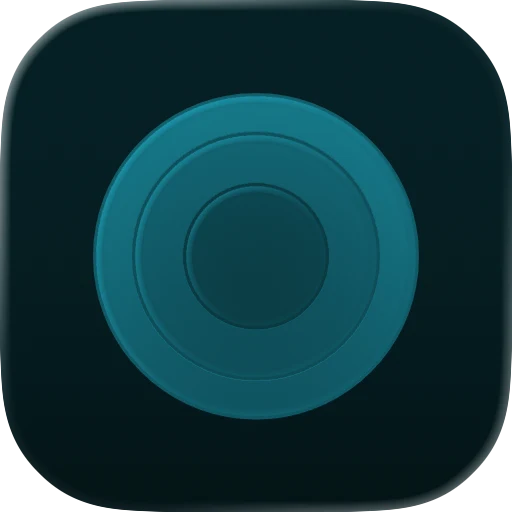

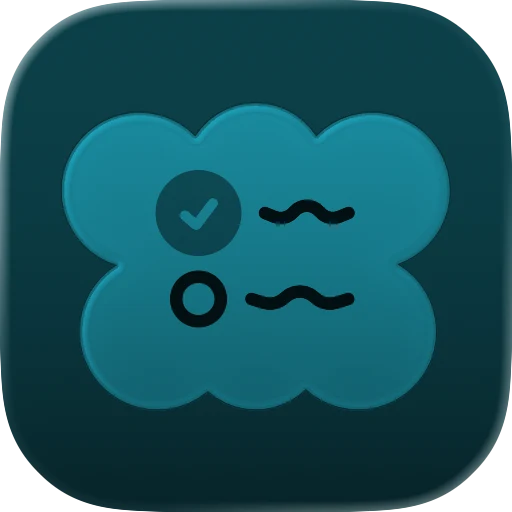
Looks right in every mode
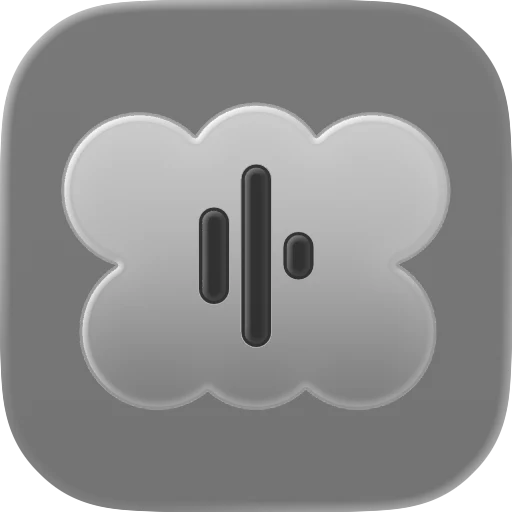
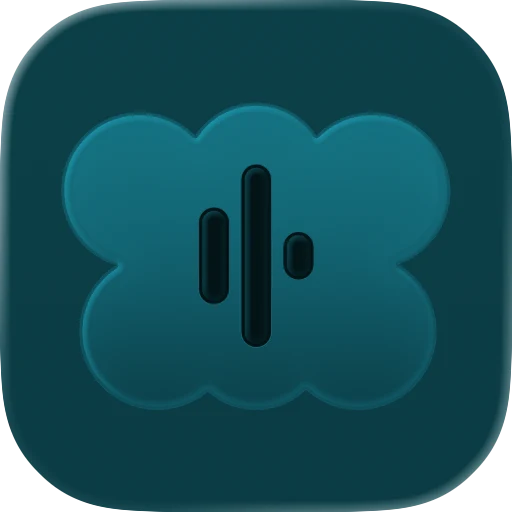
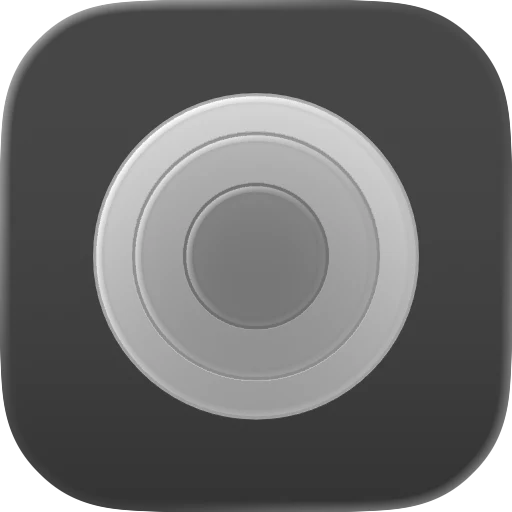
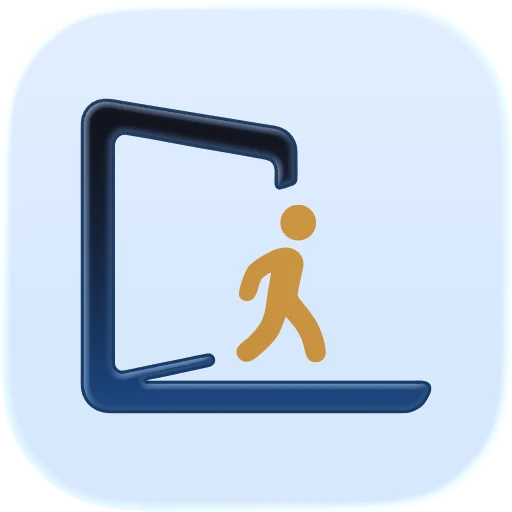
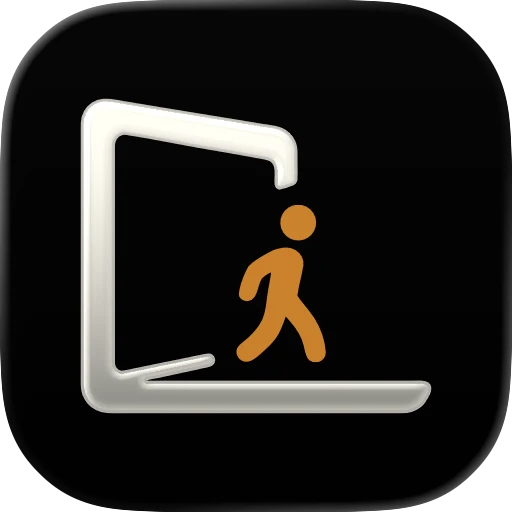
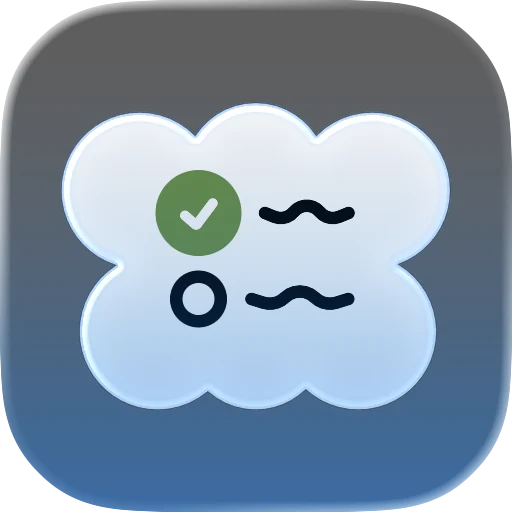
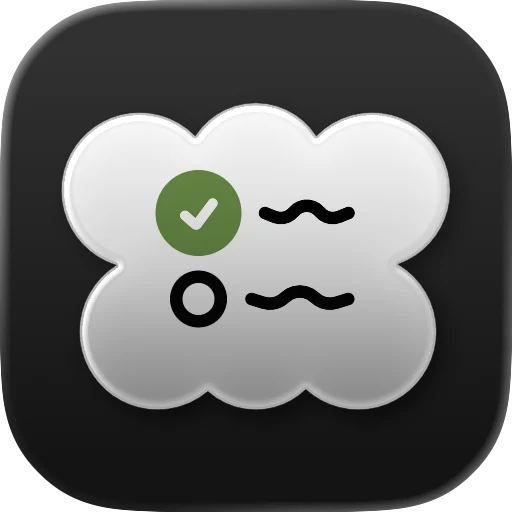
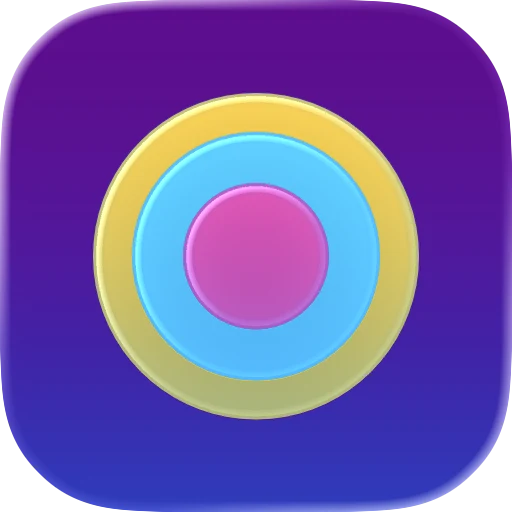
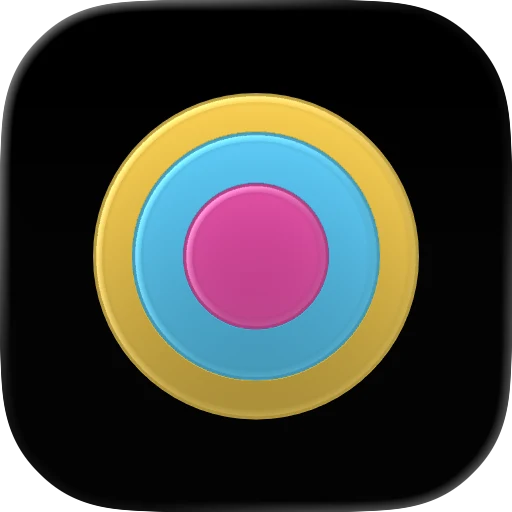
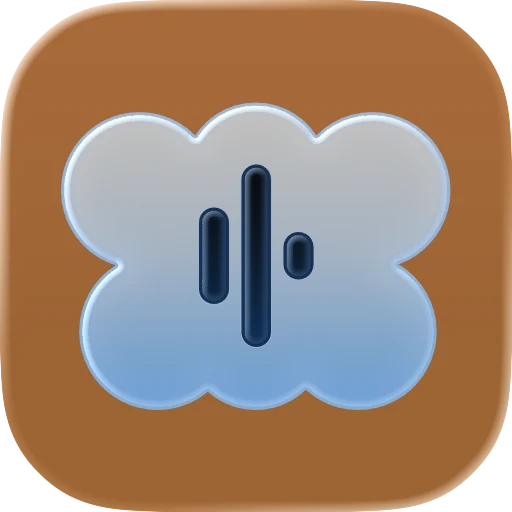
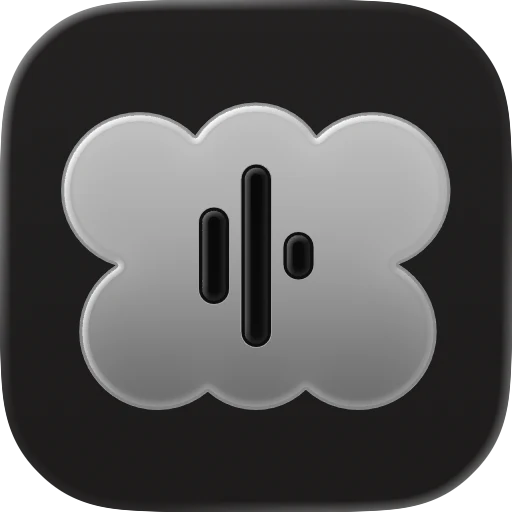
iPhones and Macs show icons in light, dark, clear and tinted. Yours is tuned for each one, so it never looks off on anyone's Home Screen.
For indie developers shipping Mac, iPhone, iPad, and Apple Watch apps. Send a short brief, get a finished icon back — ready for Xcode and the App Store. One free revision included.
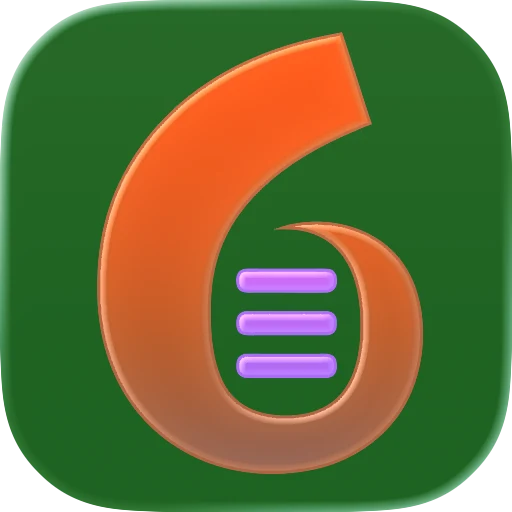
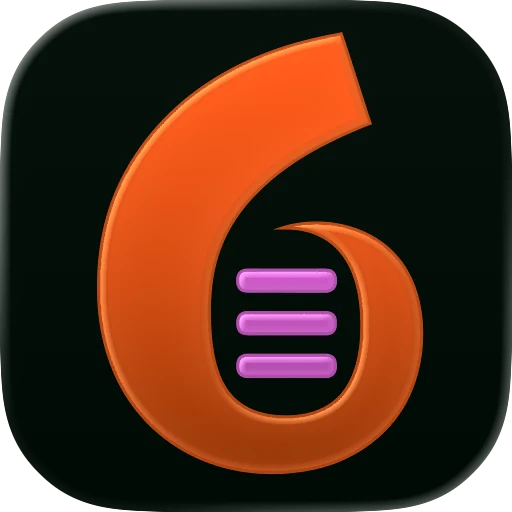


$99, one price. I only take a few icon slots at a time, so each order can be delivered within 48 hours.
Built for indie apps, prototypes, launches,
and App Store refreshes.
Anyone can build an app now. A weekend, a prototype, an AI tool — and suddenly you have something that runs. But a placeholder icon makes even good work look unfinished, and it's the first thing people see on the Home Screen, the App Store, and your launch post.
A real icon changes that. It tells people the app is finished, considered, and worth opening — before they've read a single word. That's the gap this service closes, fast.
Not just an image. A small kit with every file your app needs, named properly and ready to drop in.
iPhones and Macs show icons in light, dark, clear and tinted. Yours is tuned for each one, so it never looks off on anyone's Home Screen.
One .icon file goes into your project. Xcode makes every size from it, so there's no exporting thirty variants by hand.
1024 by 1024 pixels, crisp up close. For the App Store, your website and press kits.
Clean vector and image sources. Edit them yourself or hand them to any future designer.
Paste it into Claude Code, Codex or Cursor, and your agent installs the icon in your project for you.
No account. No calls. No design jargon. Four little steps, and your app has a real icon.
One short form, about three minutes. Write a few honest sentences about your app and attach anything you already have: a logo, a sketch, even a napkin doodle.
Pay by card on a secure Polar checkout, like any online shop. The receipt lands in your email. Change your mind before I start? Every cent comes back, automatically.
You get your own private link, no login needed. A live countdown runs once I start, and you can message me there any time, like texting.
Within 48 hours your icon arrives on that same page, wrapped as a little gift. Tap to unwrap it, then download the whole kit. One round of tweaks is included, free.
One icon, one price, whatever you're starting from.
$99 one-time
Start from a logo, a sketch, an old icon or just your app idea.
I only take a few icon slots at a time so each order can be delivered on schedule.
One. I focus on a single polished design rather than spreading effort across rough options. It comes with one round of revisions to refine it, so you end up with one icon done properly instead of several done halfway.
A revision is an adjustment to the icon I delivered — color, detail, weight, framing, that kind of refinement. I gather your notes and apply them in one round. Asking for a completely different concept, or changing the brief after we start, is a new order rather than a revision.
An Xcode-ready icon package that drops straight into your project, SVG and PNG source files, a 1024px marketing PNG, previews of the light, dark, clear, and tinted looks, install notes, and a ready-made prompt so an AI coding agent can install the icon for you. Everything you need to ship and to promote the app. Your order page keeps the files for 30 days after delivery, so download them to keep.
Yes. Tell me what your app does and the feeling you're after, and I'll design an original concept from your brief. It's the same $99 and 48 hours as starting from a logo or sketch.
That's what the revision is for — tell me what's off and I'll fix it. If you cancel before I start production, you get a full refund. After that, refunds aren't normally offered unless I don't deliver what's listed or clearly ignore your brief.
The focus is Apple platforms — Mac, iPhone, iPad, and Apple Watch — because that's where I can deliver the most polished, native result. The SVG/PNG source files you receive can often be adapted for other uses, but Android and web icons aren't part of the package.
Yes, as one tool in the process. AI helps generate initial imagery, then the work goes through vector cleanup in Figma and final assembly in Apple's Icon Composer so the result is sharp, native, and Xcode-ready. The taste and the finishing are mine.
48 hours, counted from when your brief is complete. I keep capacity limited on purpose so that timeline is real, not aspirational.
Yes, that's exactly who this is for. Whether you built it with Cursor, Claude Code, Codex, Lovable or anything else, tell me what the app does and I'll make a real icon for it. Nothing to start from is fine, and so is a rough logo or an idea of the look. Either way it's $99.
Yes. Send it as your starting point when you order. I keep the idea, then redraw it as clean vectors and rebuild it in Apple's Icon Composer, so it's sharp at every size and looks at home next to Apple's own icons.
Yes. A logo usually needs reshaping to work as an app icon: simpler shapes, a bolder mark and the right spacing inside the rounded square. I do that for $99, delivered in 48 hours.
Yes. I build every icon in Icon Composer, Apple's tool for the Liquid Glass icons that came with iOS 26 and macOS Tahoe. It's set up for the light, dark, clear and tinted looks, and you get a preview of each before you ship.
Yes. iPhone, iPad, Mac and Apple Watch are all covered. Tell me in your brief which ones your app runs on and I design for those.
You don't need to. The package comes with short install notes and a ready-made prompt you paste into your AI coding agent, like Claude Code, Codex or Cursor, and it adds the icon to your project for you. If you'd rather do it by hand, it's one file you drag into Xcode.
Apple designs iPhone, iPad and Mac icons on a 1024 by 1024 pixel canvas, and Apple Watch icons on 1088 by 1088. With current Xcode you add one Icon Composer file and the system makes every size from it, so you don't export a pile of sizes by hand. My package includes that file and a 1024px PNG for the App Store and your website.
One polished direction, delivered in 48 hours and ready for Xcode and the App Store. From $99.